

Adding and Configuring the JIRA Tool
-
Add the Tool
Navigate to the library and select the “Atlassian JIRA” tool:
-
Select Authentication Type
Choose “Basic Authentication” as the authentication method.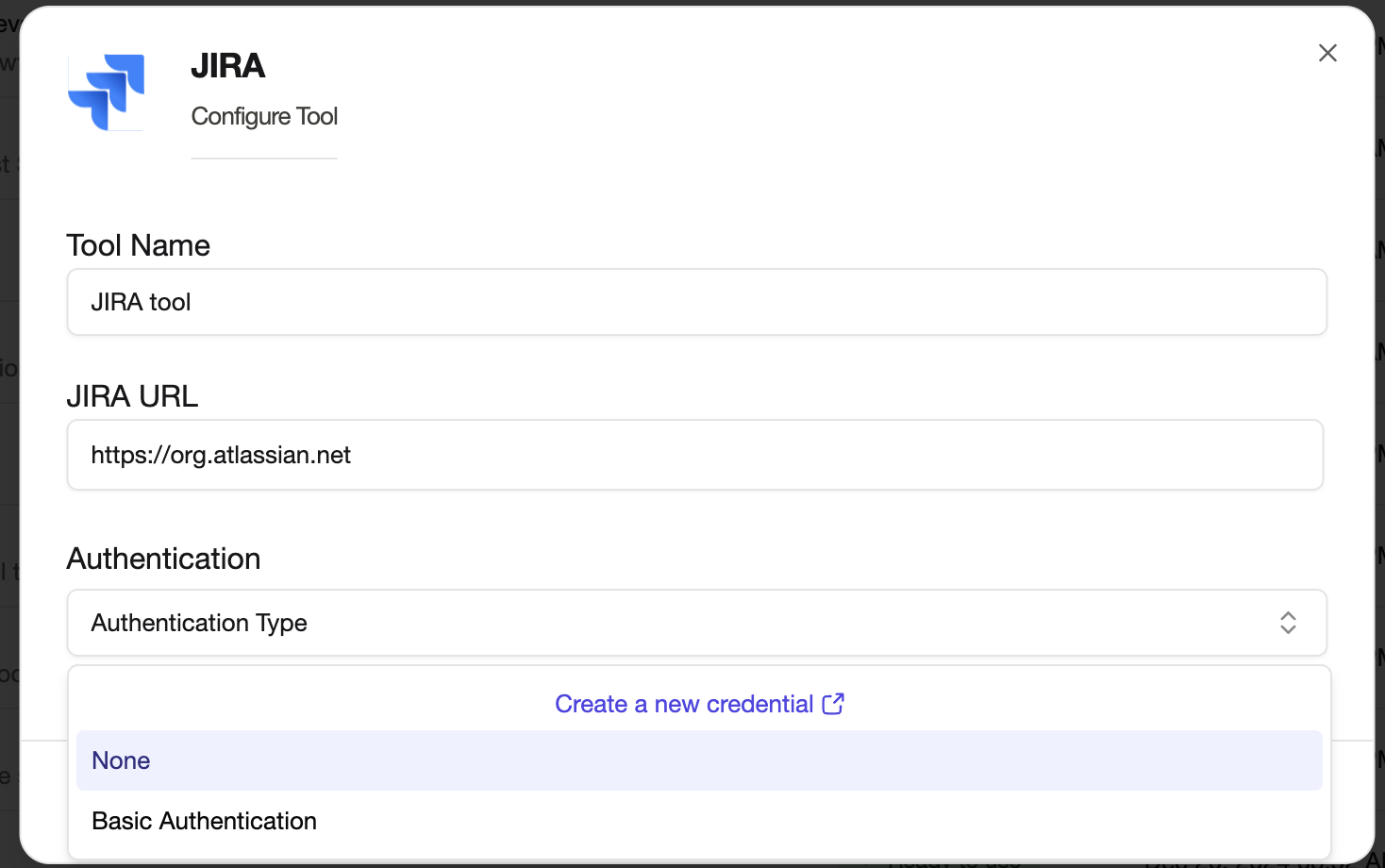
-
Use or Create an Authentication Key
- If you already have a Basic Authentication key, select it from the list.
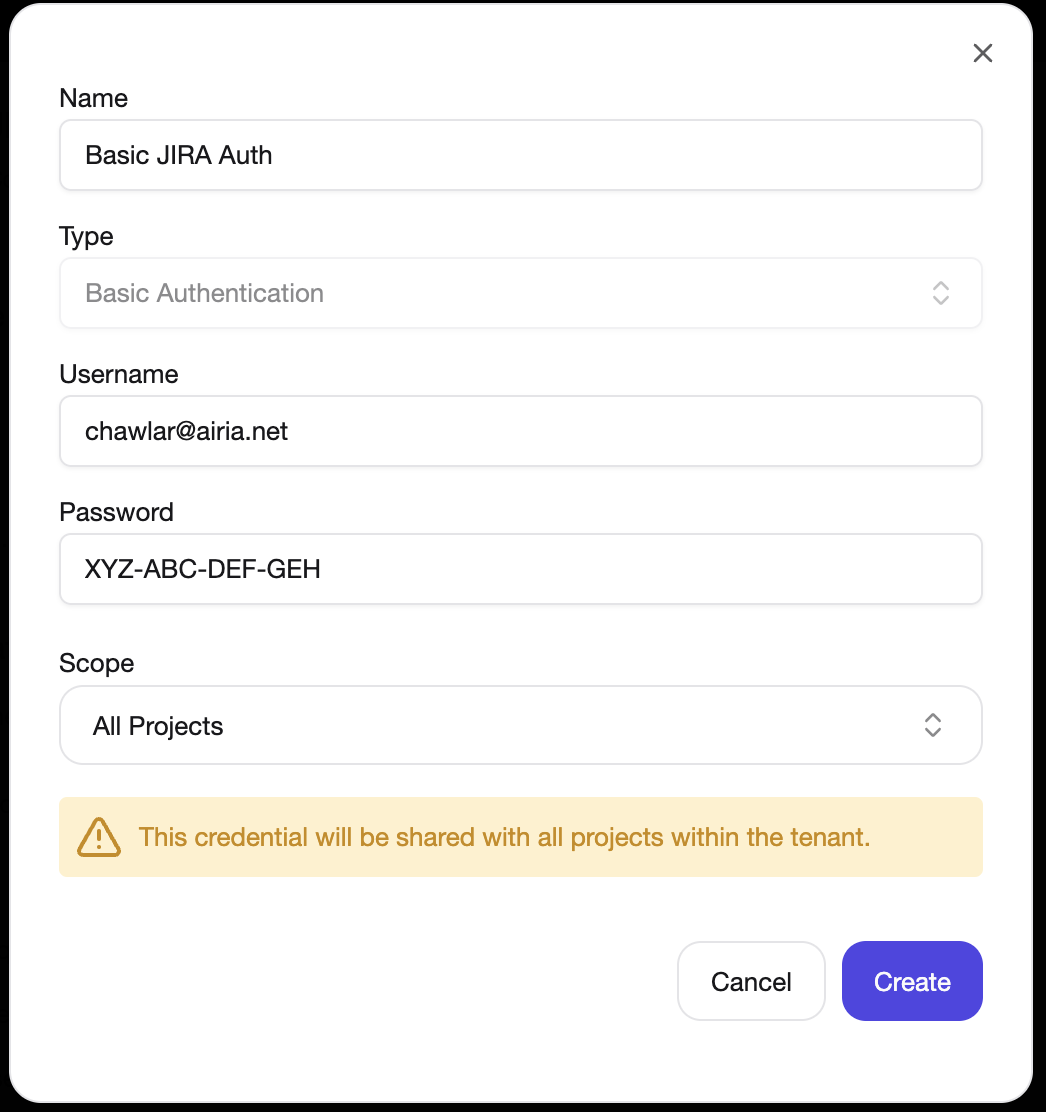
- If you need to create a new Basic Authentication key, select “Create a New Credential”, followed by Basic:
- Enter your email address as the username.
- Enter your API token as the password.
Retrieving Your API Key from JIRA
Follow these steps to generate an API key from your JIRA account:-
Access the Security Settings
Go to your JIRA account and navigate to:
Manage Profile -> Security settings, or directly visit:
https://id.atlassian.com/manage-profile/security/api-tokens. -
Create a New API Token
- Click the “Create API Token” button.
- Provide a name for the token (e.g., “API Integration”).
- (Optional) Set an expiry date

-
Use Your API Token
- When making API requests, use your email address as the username.
- Use the generated API token as the password.